




Warning! The content within this article is over 36 months old and, therefore, may be out of date.
HOWTO: Install PowerCLI 6.5.1 - As easy as 1-2-3!
Share this article on:



PowerCLI PowerShell VMware
Published on 24 April 2017 by Christopher Lewis. Words: 200. Reading Time: 1 mins.
Introduction
This is a very quick post on the latest version of VMware’s PowerCLI, v6.5.1. See VMware’s Official Blog here .
This is now a MODULE available from the PowerShell Gallery
which is #Awesome because it has been a major annoyance not being able just to type Install-Module PowerCLI to install it. Instead you had to go through a standard windows install package in the past.
Step By Step Guide
Overview
- Remove existing PowerCLI installation.
- Open a Administrative PowerShell window.
- Run
Install-Module VMware.PowerCLI -Force -confirm:$false
Detailed Steps
- Firstly, you need to remove any version of PowerCLI that you currently have installed using Add/Remove Programs on your device.
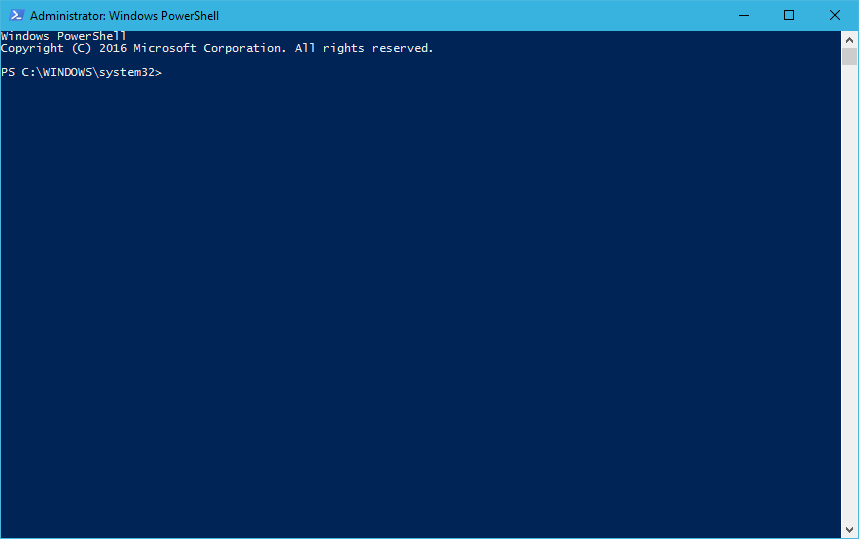
- Open a Administrative Powershell Prompt (right click on the PowerShell icon and select Run As Administrator).
- If prompted by UAC, click Yes to confirm
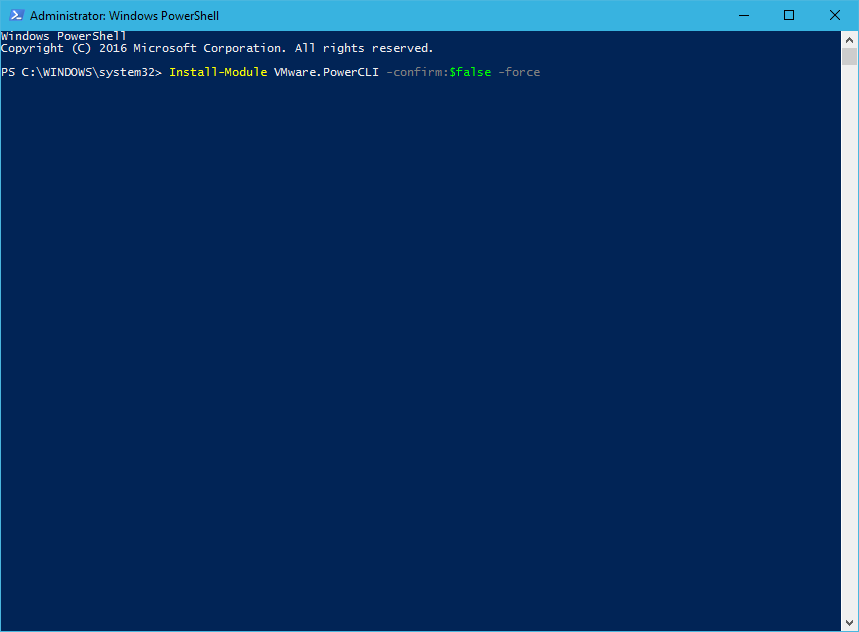
- Finally, type:
Install-Module -Name VMware.PowerCLI -Confirm:$false -Force
- press Enter.
Note:
You can optionally add additional settings/switches, run
Get-Help Install-Module for more information but I use the -Force and -confirm:$false to ensure no additional prompts are required as the PowerShell Gallery is currently an Untrusted repository Source.And there you have it… it is as simple 1-2-3…
There are some cool new cmdlets so let’s get on with using them!
Published on 24 April 2017 by Christopher Lewis. Words: 200. Reading Time: 1 mins.
Share this article on:
Related Post(s):
- HOWTO: Automate the installation of the External Platform Services Controller using PowerCLI & JSON - Part 2 ()
- HOWTO: Automate the installation of the External Platform Services Controller using PowerCLI & JSON - Part 1 ()
- Book Review: VMware vSphere PowerCLI Reference: Automating vSphere Administration - 2nd Edition ()
- HOWTO: Create vRealize Automation User Role in vCenter using PowerCLI ()
- HOWTO: Power On a VMware Virtual Machine with PowerCLI (PowerCLI 101) ()
About the Author:

Name: Christopher Lewis
Twitter/X: thecloudxpert
Role: Domain Expert - VCF Automation & VCF Operations
Company: Broadcom
Recent Posts by Christopher Lewis:
Blog Categories:
active directory 6 aria automation 9 aria operations 2 aws 2 certificate authority 5 certificates 5 certification 91 general 9 home lab 2 microsoft 7 nsx 45 nsx v 41 powercli 8 powershell 6 vcap 48 vcap6 2 vcenter 4 vcf 5 vcix 2 vexpert 9 vmug 5 vmware 99+ vmware aria automation 9 vmware aria operations 5 vmware cloud 3 vmware explore 2 vmware identity manager 2 vmworld 36 vrealize automation 80 vrealize business 2 vrealize operations manager 5 vrealize orchestrator 13 vrealize suite 14 vrealize suite lifecycle manager 20 vsan 5 vsphere 9 windows 6
Top Tags:
active directory 6 api 18 barcelona 24 certificates 12 certification 7 howto 33 microsoft 7 multi tenancy 9 nsx v 43 platform services controller 8 powercli 8 powershell 7 psc 6 vcap 9 vcap6 45 vcap6 cma 48 vcap6 nv 37 vcix6 nv 36 vexpert 19 vmug 8 vmware 99+ vmware aria 12 vmware aria automation 9 vmworld 35 vmworld 2016 13 vmworld 2017 9 vra 13 vrealize automation 74 vrealize operations 8 vrealize orchestrator 21 vrealize suite lifecycle manager 11 vrslcm 20 vsan 7 vsphere 12